User Guide
By importing this package, you can use Bob native array reading and
writing routines to load and save files using various image formats, using the
simple plug-in technology for bob.io.base, i.e.,
bob.io.base.load() and bob.io.base.save().
>>> import bob.io.base
>>> import bob.io.image  # under the hood: loads Bob plugin for image files
>>> img = bob.io.base.load(path_to_image)
In the following example, an image generated randomly using the method NumPy
numpy.random.random_integers(), is saved in lossless PNG format. The
image must be of type uint8 or uint16:
>>> my_image = numpy.random.random_integers(0,255,(3,256,256))
>>> bob.io.base.save(my_image.astype('uint8'), 'testimage.png') # saving the image in png format
>>> my_image_copy = bob.io.base.load('testimage.png')
>>> assert (my_image_copy == my_image).all()
The loaded image files can be 3D arrays (for RGB format) or 2D arrays (for
greyscale) of type uint8 or uint16.
You can also get information about images without loading them using
bob.io.base.peek():
>>> bob.io.base.peek(path_to_image)
(dtype('uint8'), (3, 600, 512), (307200, 512, 1))
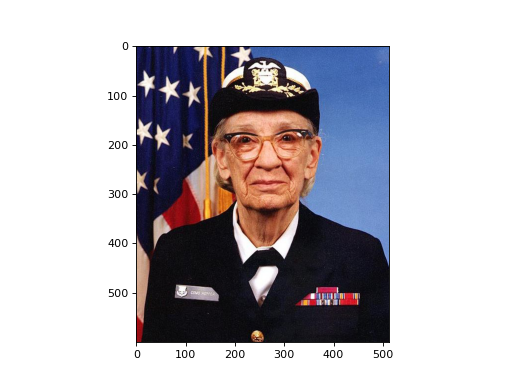
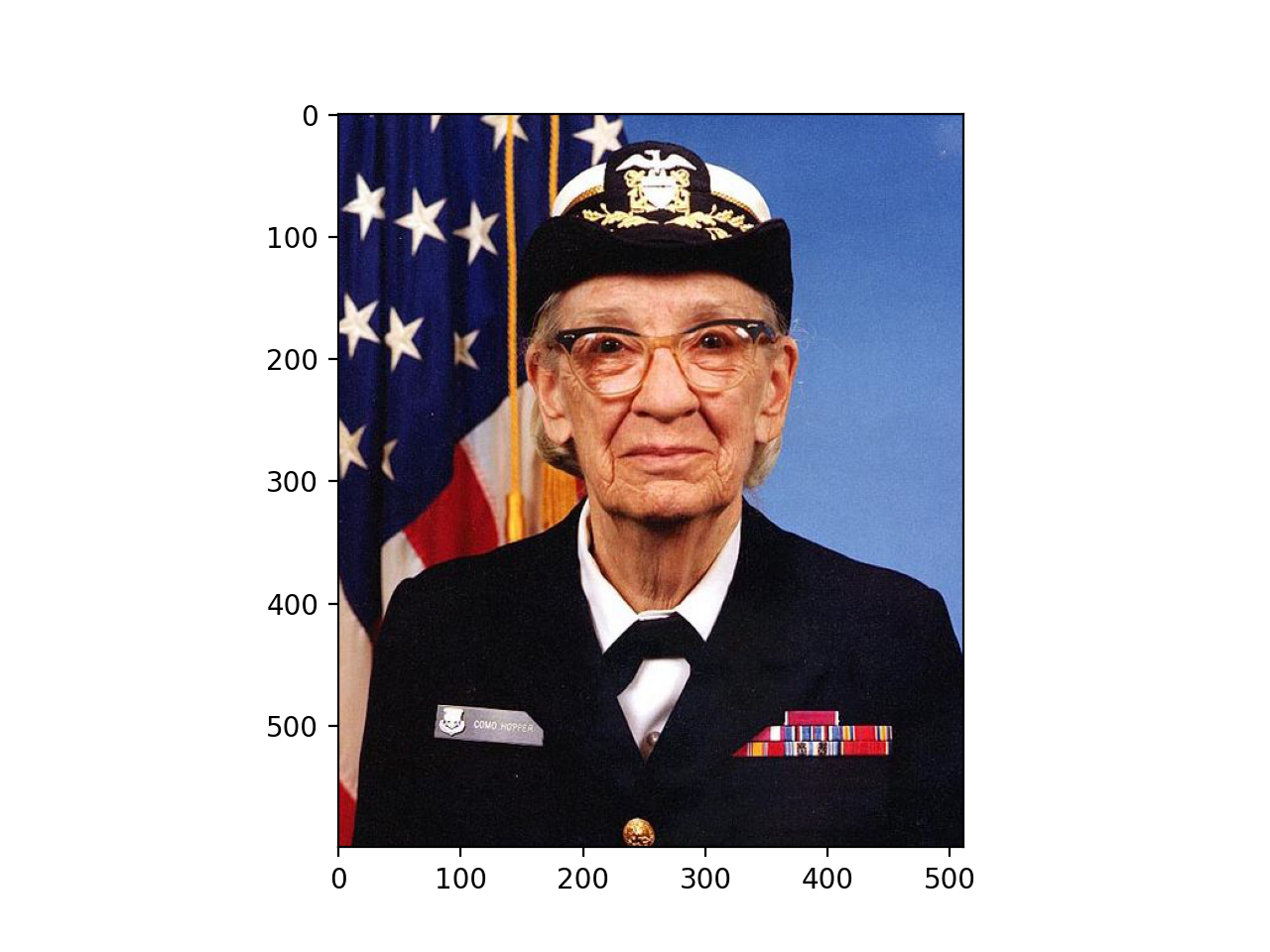
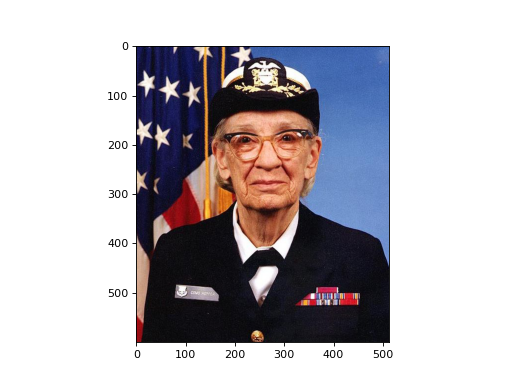
In order to visualize the loaded image you can use
bob.io.image.imshow():
>>> img = bob.io.base.load(path_to_image)
>>> bob.io.image.imshow(img)
(Source code, png, hires.png, pdf)
Or you can just get a view (not copy) of your image that is
matplotlib.pyplot compatible using
bob.io.image.to_matplotlib():
>>> img_view_for_matplotlib = bob.io.image.to_matplotlib(img)
>>> assert img_view_for_matplotlib.shape[-1] == 3
>>> assert img_view_for_matplotlib.base is img
You can also get the original image back using bob.io.image.to_bob().
This function works with images, batches of images, videos, and higher
dimensional arrays that contain images.
Moreover, see bob.io.image.opencvbgr_to_bob and
bob.io.image.bob_to_opencvbgr.